



Most AI-generated LinkedIn posts sound exactly like AI-generated LinkedIn posts. Generic hooks, hollow insights, zero personality. We tested dozens of prompting approaches, content formats, and AI workflows against LinkedIn’s 2026 algorithm to find what actually drives engagement. The difference between a post that gets 12 likes and one that gets 1,200 comes down to four things. Here they are.
What Does “Writing LinkedIn Posts With AI” Actually Mean?
Writing LinkedIn posts with AI isn’t about pasting a topic into ChatGPT and publishing what comes back. That’s what everyone else is doing, and it’s why their posts get ignored.
These aren’t content generators. They are thinking partners that help you structure your expertise, sharpen your hook, and produce content that sounds like you rather than a language model doing a professional impression of you. The AI handles the structure and the draft. You bring the experience, the opinion, and the voice that actually makes someone stop scrolling.
Over 50% of long LinkedIn posts are now AI-generated, according to Originality.ai’s 2026 analysis. The ones that outperform human-written content aren’t the ones that hide it. They’re the ones that use AI to amplify a genuine human perspective rather than replace it.
Why AI LinkedIn Posts Fail in 2026
Are you generating posts and wondering why nobody engages with them?
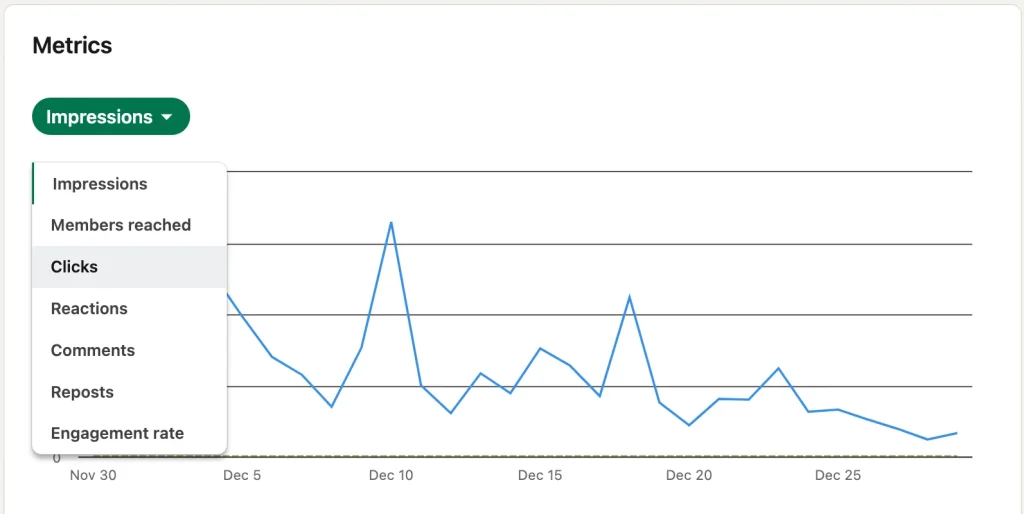
LinkedIn replaced its old feed system in early 2026 with 360Brew, a single AI-powered algorithm that evaluates “dwell time” and “topical authority” rather than just likes and follower count. Views are down 50%, engagement down 25%, and follower growth down 59% compared to last year for generic content. The algorithm now actively penalizes low-quality content regardless of posting frequency.
The problem isn’t AI. The problem is using AI to produce generic content at speed. Comments are weighted 15x more than likes by the algorithm, with meaningful comments carrying significantly more weight than short reactions. A post that generates real conversation from a specific professional perspective will always outperform a polished but empty post that nobody has a reason to respond to.
How to Write LinkedIn Posts With AI: The 4-Step Workflow
Step 1: Start With Your Insight, Not a Prompt
The single biggest mistake people make when writing LinkedIn posts with AI is starting with a blank prompt. “Write me a LinkedIn post about productivity” produces exactly the content you’d expect: forgettable, generic, and indistinguishable from the other 50 posts on the same topic published that morning.
Start with your own experience or opinion instead. One sentence is enough: “I spent three months testing AI scheduling tools and the one everyone recommends is actually the worst.” Feed that to ChatGPT or Claude and ask it to structure a LinkedIn post around that specific insight. The AI shapes the format; your experience provides the substance that makes it worth reading.
Step 2: Write a Hook That Stops the Scroll
LinkedIn posts truncate at approximately 210 characters. Your hook must appear before the “See more” cutoff, and the first two lines determine engagement for the entire post. Everything else you write is irrelevant if the hook doesn’t earn the click.
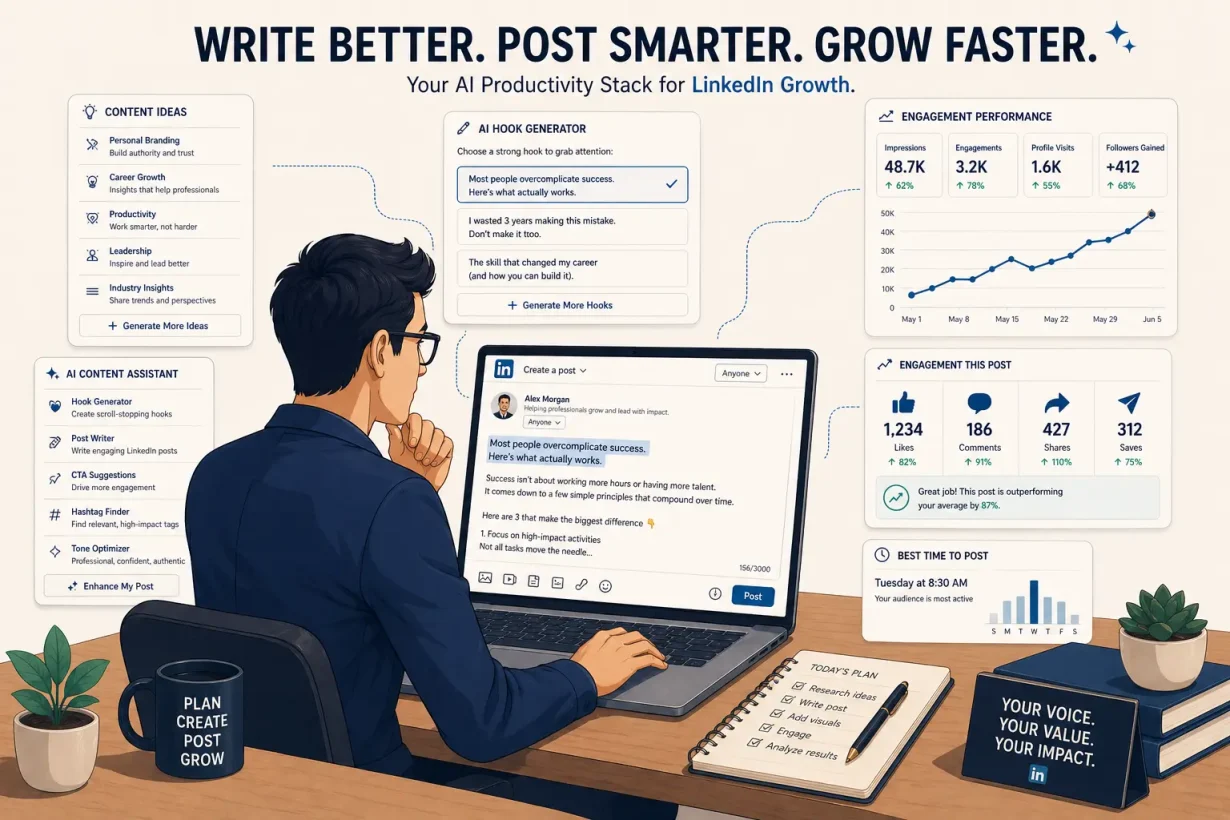
Use AI to generate five hook variations for the same post, then choose the one with the most tension or the most specific claim. The best LinkedIn hooks in 2026 share three characteristics: they make a specific claim, they challenge an assumption, or they open a knowledge gap the reader needs to close. “Here are my top productivity tips” does none of these. “I stopped using to-do lists for 90 days. My output tripled.” does all three.
Prompt to use:
"Write 5 hook variations for this LinkedIn post. Each should be under 200 characters, create tension or challenge an assumption, and stop a professional from scrolling. Here is the post: [paste your draft]."
Step 3: Choose the Format the Algorithm Actually Rewards
Not all LinkedIn formats perform equally, and writing LinkedIn posts with AI means choosing the right format before you draft a single word. PDF carousels generate 7.00% engagement, the highest of any LinkedIn format, with saves carrying 5x the algorithmic reach of a like. Standard text posts struggle to break 2% unless the hook and the insight are exceptional.
Match your content to the format it deserves:
- Carousel PDF: Step-by-step frameworks, checklists, before/after comparisons, data breakdowns. Use Canva AI to turn your AI-drafted outline into a visual carousel in minutes.
- Text post: Personal stories, contrarian opinions, lessons learned from a specific experience. Content structured around a personal story or lesson learned generates 38% more engagement than promotional posts.
- Poll: Use when you want to generate comments and surface audience opinion. Polls achieve 8.9% engagement, second only to collaborative articles at 12.3%.
Prompt to use:
"I want to turn this insight into a LinkedIn carousel. Give me a 7-slide outline with one key idea per slide, a hook slide, and a final call-to-action slide. Keep each slide to under 20 words. Here is the core insight: [your insight]."
Step 4: Edit for Voice Before You Publish
AI produces structure and completeness. You produce voice and credibility. Before publishing any AI-assisted LinkedIn post, read it out loud. If it doesn’t sound like something you would actually say in a meeting, it won’t sound authentic to your audience either.
Three edits that consistently improve AI-drafted LinkedIn posts: replace abstract claims with specific numbers or examples from your own experience, cut any sentence that starts with “In today’s fast-paced world” or “As we navigate,” and add one sentence that only someone with your specific background could write. That sentence is what people save and share.
Writing LinkedIn Posts With AI: Which Approach Fits You?
Volume creators vs. authority builders
Volume creators posting daily need AI to compress drafting time without compressing quality. The right workflow is insight-first prompting plus hook variation testing plus Canva AI for carousel production. Authority builders posting two or three times per week need AI for structure and editing rather than drafting. Start with your own rough draft, use AI to tighten the hook and strengthen the argument, then publish in your own voice.
Generic AI posts vs. voice-trained AI posts
Generic AI posts use default prompts and publish the first output. Voice-trained AI posts feed the model several examples of your best-performing content before asking it to draft anything new. The second approach produces output that sounds like you rather than a language model approximating your industry. AI post suggestions save 45% of content creation time for the 28% of active LinkedIn posters who use them. The ones saving that time without sacrificing quality are the ones who trained their AI on their own voice first.
Posting more vs. posting better
One valuable post per week outperforms five forgettable ones under LinkedIn’s 2026 algorithm, which aggressively penalizes low-quality content. Writing LinkedIn posts with AI should make each post better, not just faster. If you’re using AI to increase volume without improving substance, the algorithm will notice before your audience does.
Here’s the short version: if you want more engagement on LinkedIn in 2026, use AI to sharpen your insight and structure, not to replace the perspective that makes your content worth reading. Humans have off days; your AI-assisted workflow doesn’t have to.
Start Writing Better LinkedIn Posts Today
Writing LinkedIn posts with AI shouldn’t feel like prompting a machine to impersonate you. It should feel like having a writing partner who helps you say what you already know more clearly and more compellingly.
Read our complete guide to the best AI productivity tools in 2026 to see how each tool fits together.
Frequently Asked Questions
Does writing LinkedIn posts with AI hurt engagement?
Not if done correctly. Over 50% of long LinkedIn posts are now AI-generated, and in several industries AI-assisted posts outperform human-written content by significant margins. The key is using AI to structure and sharpen your own insights rather than generating generic content from scratch.
What is the best AI tool for writing LinkedIn posts with AI?
ChatGPT Plus is the most versatile tool for writing LinkedIn posts with AI, covering hook generation, post drafting, carousel outlining, and voice editing in one interface. Jasper AI is the stronger choice for creators who need brand-consistent output at high volume across multiple formats.
How do I make AI-generated LinkedIn posts sound like me?
Feed your AI tool three to five examples of your best-performing LinkedIn posts before asking it to draft anything new. Then always add one sentence that only someone with your specific experience could write. That combination produces output that sounds like you rather than a generic professional voice.
What LinkedIn post format gets the most engagement in 2026?
PDF carousel posts generate the highest engagement rate of any LinkedIn format at 7.00%, driven by saves which carry 5x the algorithmic weight of a like. For text-only posts, personal stories and contrarian positions consistently outperform promotional or generic educational content.
How long should a LinkedIn post written with AI be?
Long-form text posts over 1,300 characters get 18% more engagement than short posts, but only when the content justifies the length. Use AI to identify whether your insight is strong enough for a long post or better served by a concise text post with a strong hook and a single clear idea.
What is the best hook format for writing LinkedIn posts with AI?
The three hook types that consistently outperform in 2026 are specific claims with numbers, contrarian statements that challenge common assumptions, and personal confessions that create relatability. Use AI to generate five variations of each and test the one with the most tension.